
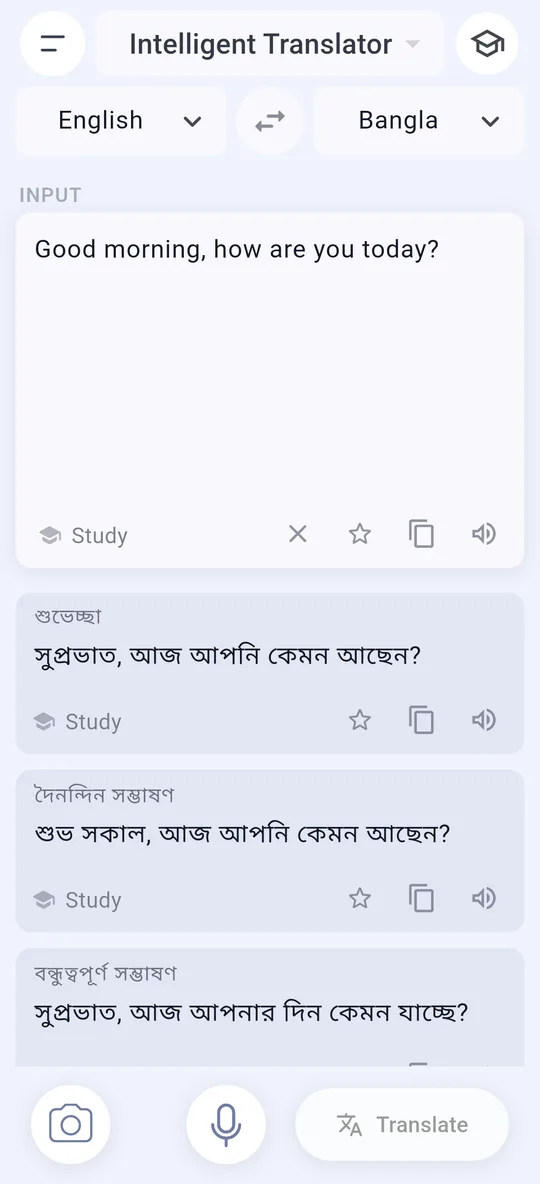
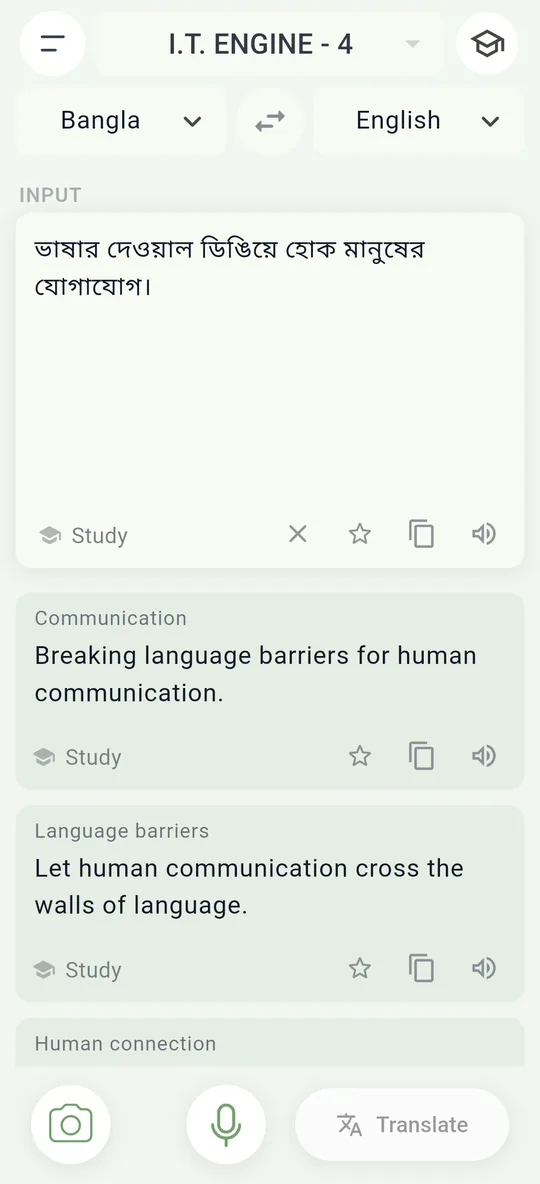
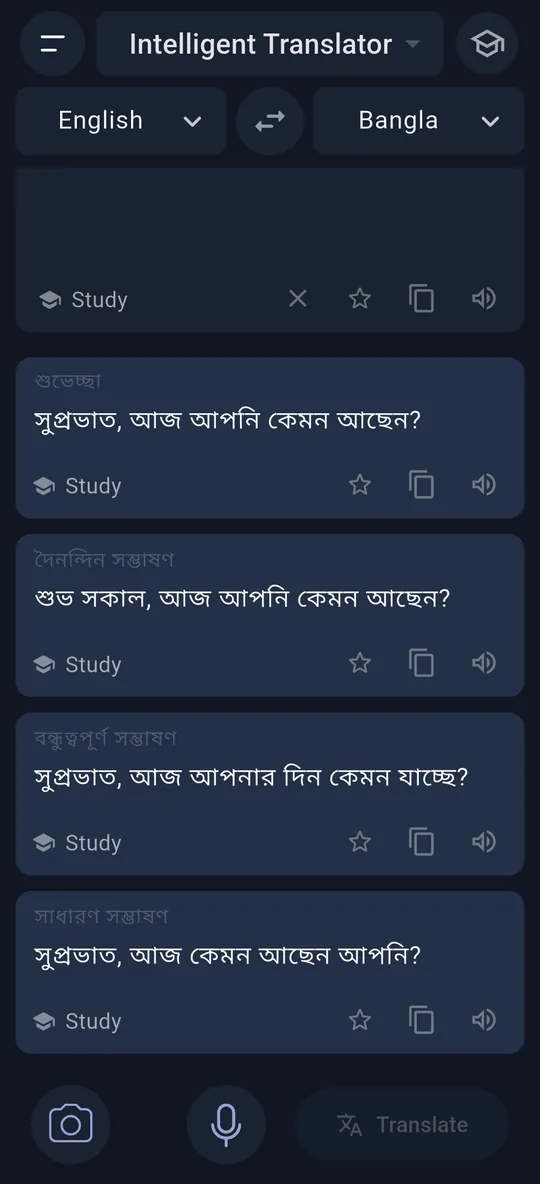
One sentence, multiple translations based on context!
Not just one literal guess: Explore multiple natural translations for the same sentence based on context, meaning and tone — choose the one that fits you best.
Bridge the gap and vibe with anyone, no matter the language!
Type, speak or snap a photo. Get several natural translations, one for each context — then open Analyze to learn the words and grammar behind them.
Free to start — no sign-up needed to try it.
One app for everyday conversations, signs and menus abroad, homework and work messages.
Not just one literal guess: Explore multiple natural translations for the same sentence based on context, meaning and tone — choose the one that fits you best.
Vocabulary with synonyms and opposites, grammar notes and common mistakes — explained in the language you choose.
Point the camera at a sign, a menu or a page. The app reads the text — including scripts like Bangla — and translates it.
Tap the microphone and talk. Your words appear in the box, ready to translate.
Listen to any translation read aloud, and to your own text, to get the pronunciation right.
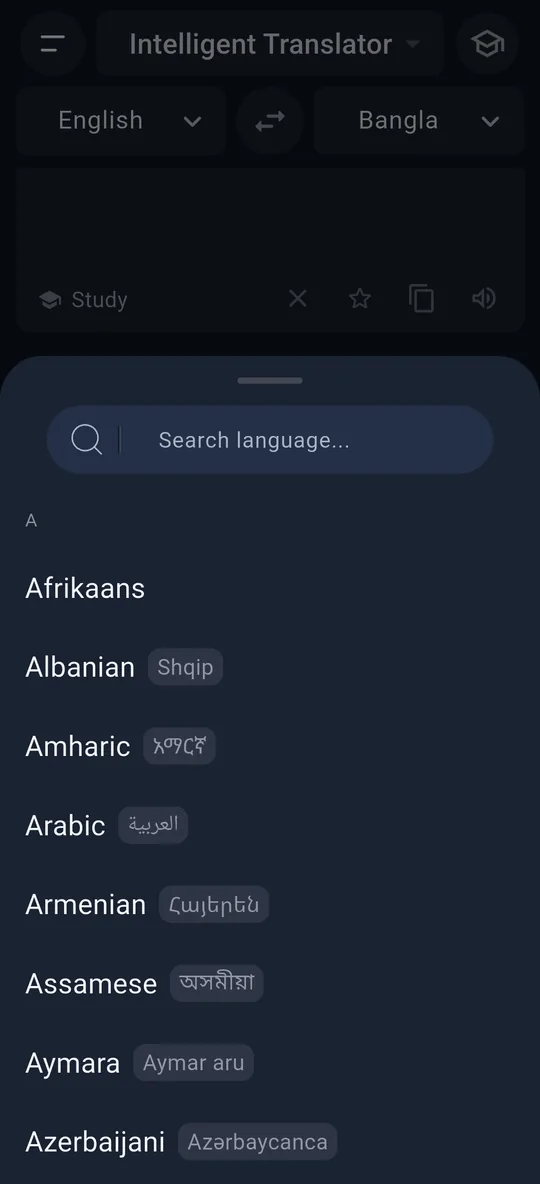
From Bangla, Hindi and Arabic to Japanese, Spanish and Swahili — with automatic detection of what you typed.
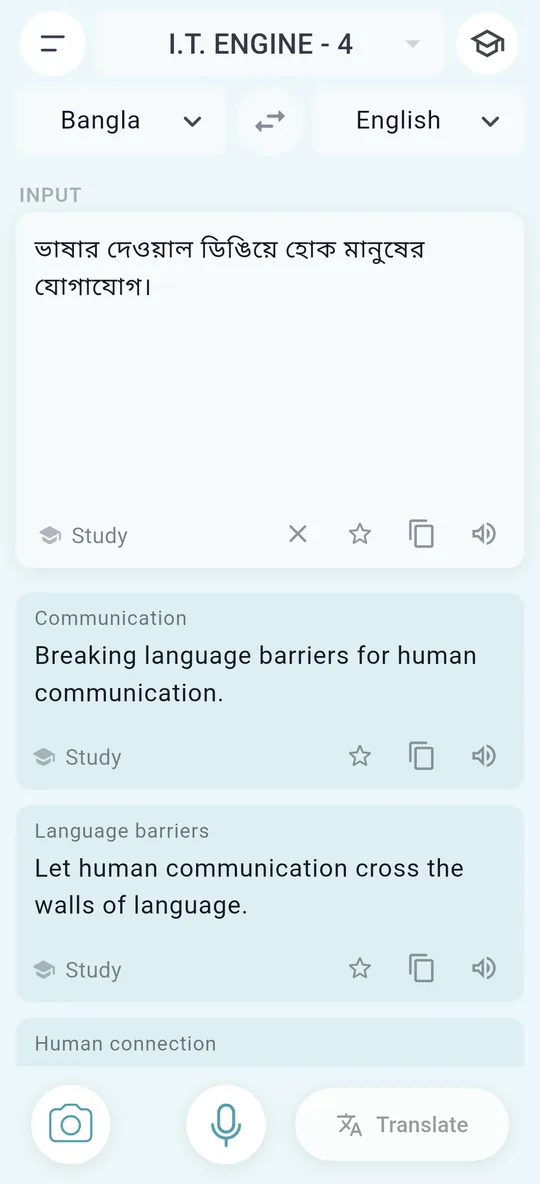
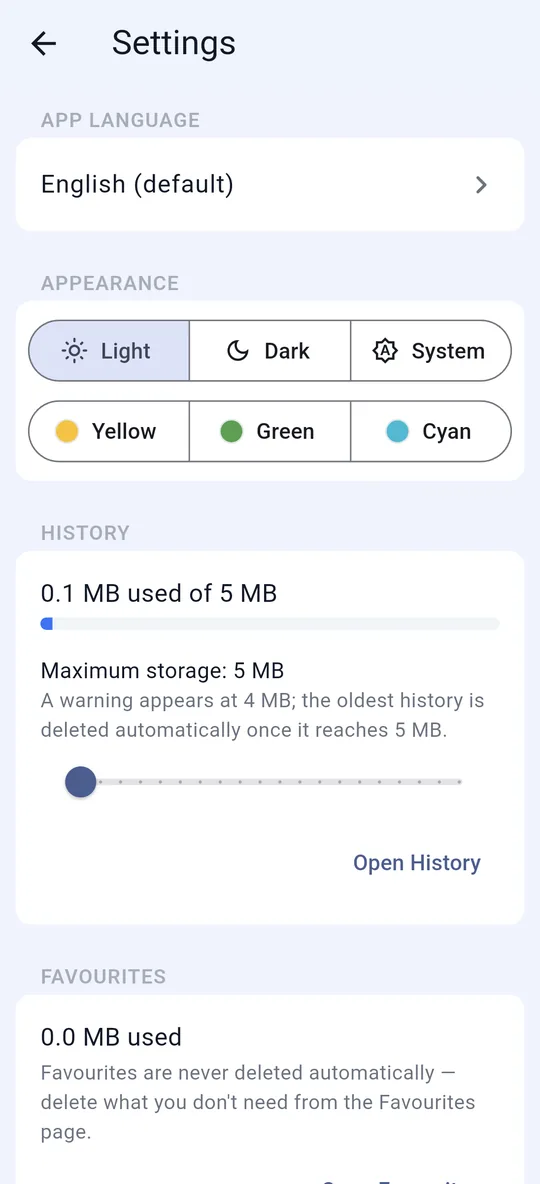
Use the app in 30 interface languages, in light or dark mode, or in yellow, green or cyan.
Your history and favourites stay on your device. We never sell your data.
Light, Dark, Yellow, Green or Cyan — or simply follow your phone. Change it any time in Settings.
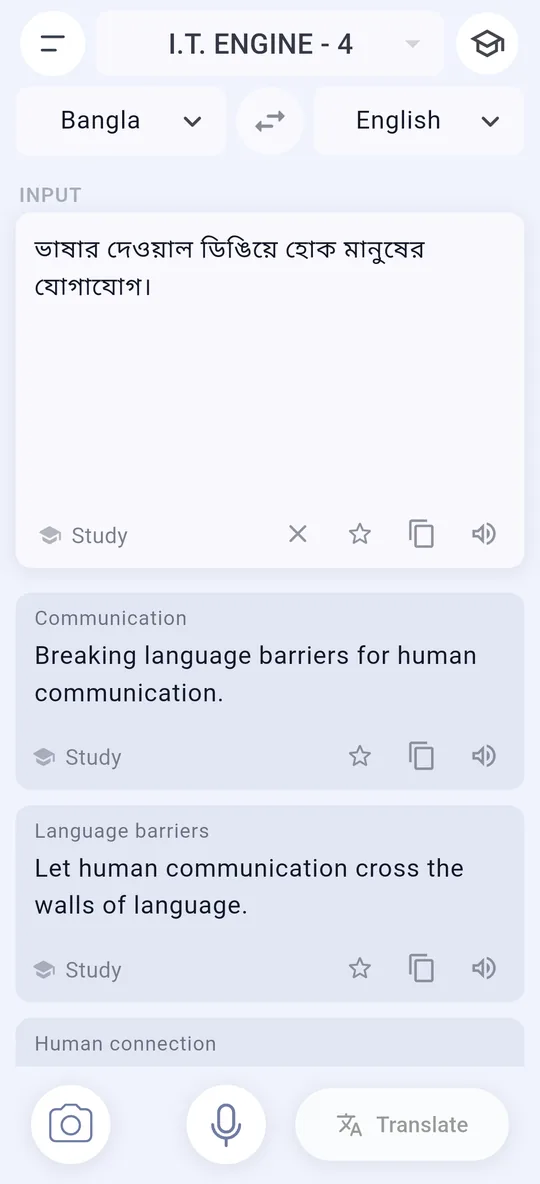
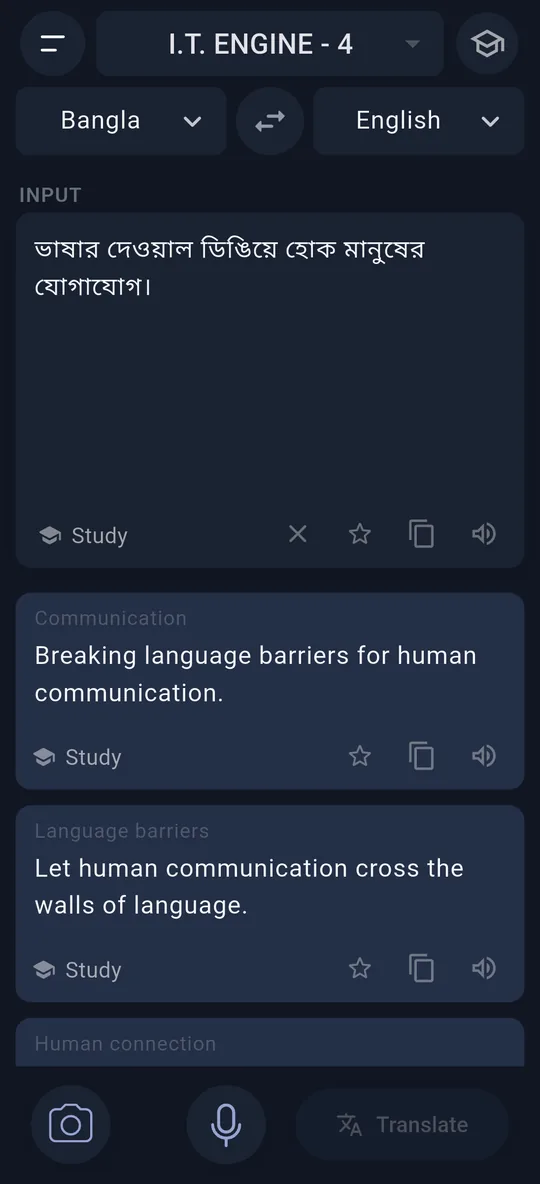
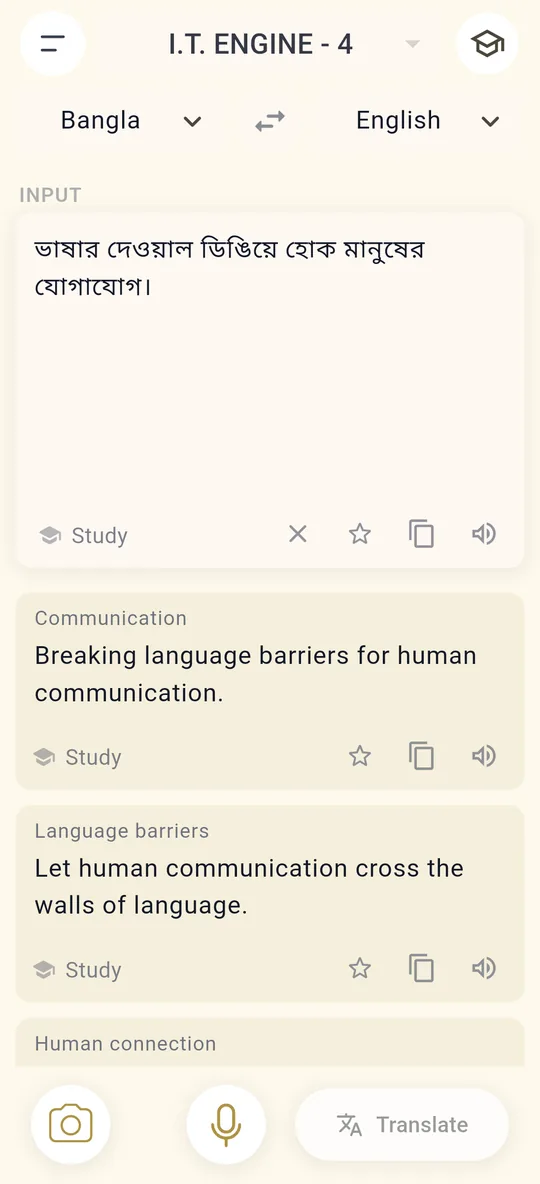
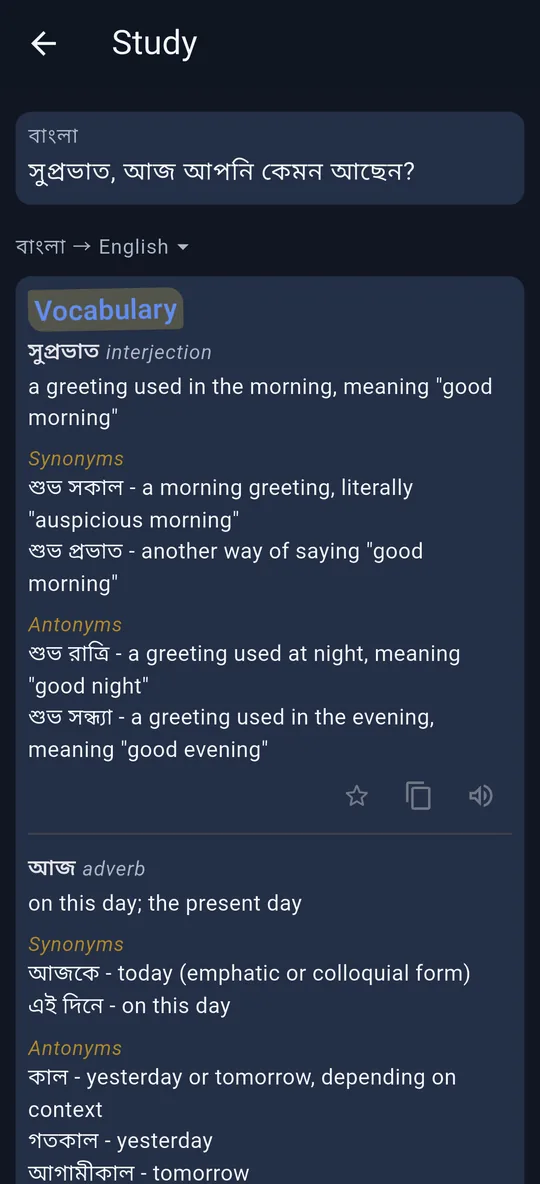
Every translation comes with an Analyze button. Open it to see why the sentence is built the way it is, explained in your own language.
No subscription. You only pay for what you actually use.
Install and start translating right away — no account needed.
One tap keeps you going, with free credits to start and more each day your balance runs out.
Need more? Watch a short ad and credits are added to your account.
Credit packs through Google Play. Purchased credits never expire.
Prices appear in your local currency in Google Play. A request costs credits only when it completes; a failed one costs nothing. Credits earned from ads never expire either.
You can start for free without signing up: a new install comes with free credits. Signing in with Google adds more, and on a day your balance runs out you get a few free credits again. Invite friends and you can both earn credits. For more, watch a short ad or buy a credit pack — there is no subscription.
133 languages for translation, with automatic detection of the language you typed. The app itself is available in 30 languages.
Your history and favourites are stored on your phone. Text you translate is sent to our server and to the AI services that process it, and kept in server memory for at most 24 hours to answer repeated requests faster. Read the Privacy Policy for details.
Credits you buy and credits you earn by watching ads never expire. Credits given to you as a gift expire 30 days after they are given; the app warns you before they do.
We are launching on Android first. An iPhone version is planned.
In the app, open the menu → Account → Delete account and enter the code we email you. You can also request deletion by email.